You set up your new Osmo Pocket 3, open the DJI Mimo app to grab some clips, and you get nothing. A grid of little boxes with timestamps, black thumbnails, and when you tap one it just won’t play. Super common on iPhone, and the fix takes about 30 seconds.
The problem
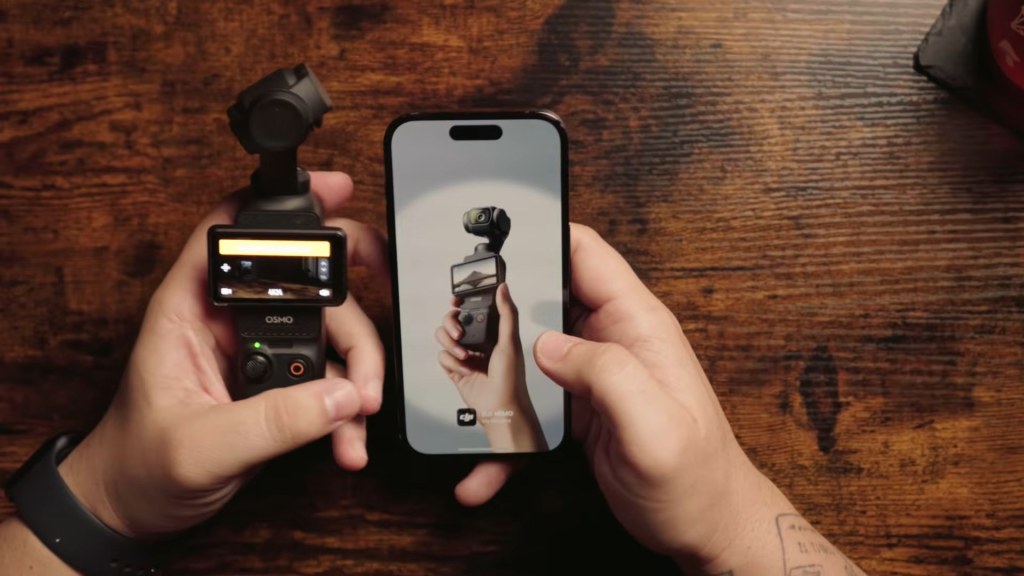
It happens when you set the Pocket 3 up and jump straight into the Mimo app without going through your iPhone settings. The camera connects, the playback screen shows your clips as blank tiles, and nothing will preview, play or download.
The fix, step by step
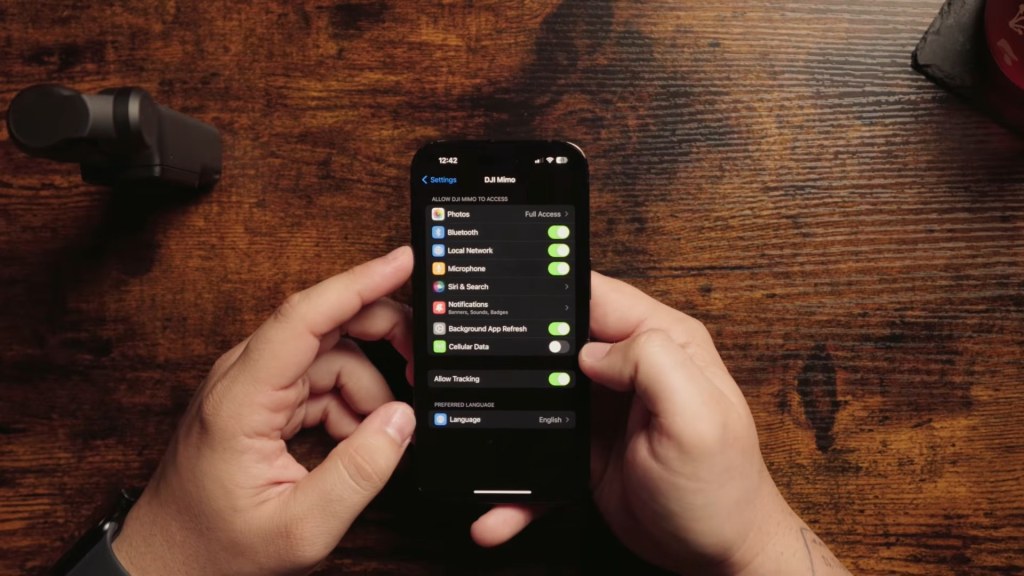
- Unlock your iPhone and open Settings.
- Scroll down to Apps and tap DJI Mimo.
- Find Cellular Data and make sure it’s switched on. If it’s already on, flip it off and back on. For whatever reason this is what lets the Pocket 3 talk to the iPhone properly.
- Open Mimo and connect to the Pocket 3 again. Give it a second to figure its life out.
- Hit Playback. Your thumbnails show up and the clips play.
Bonus: download just the part you need
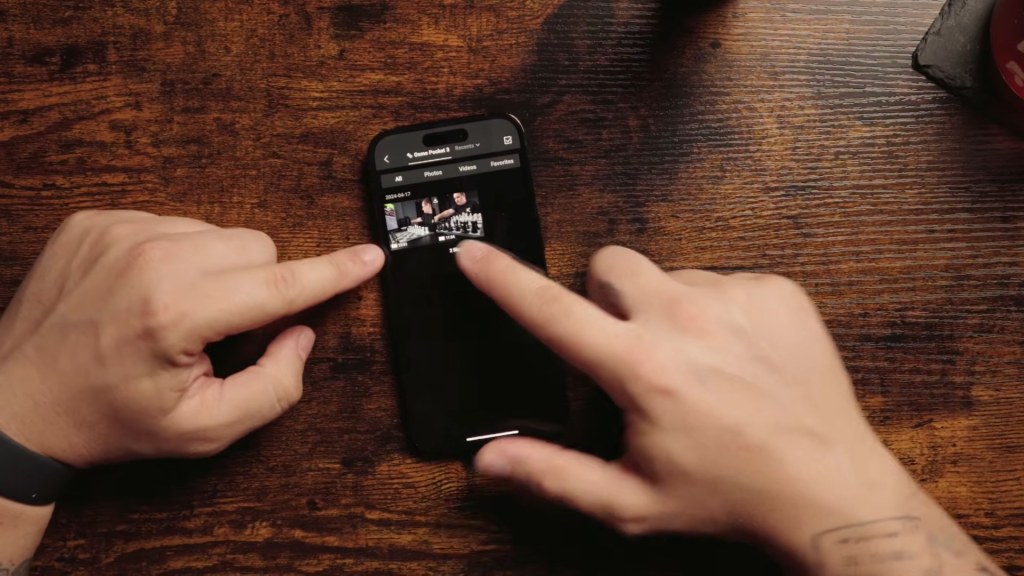
Once playback works you don’t have to pull the whole clip. Tap where you want to start, tap where you want to end, and download just that trimmed section. Way faster when you’re grabbing a quick clip for a Reel.
What I use
- DJI Osmo Pocket 3
- BRDRC ND filters for the Pocket 3, the ones I run on every shoot
That’s it. If this saved you from returning your Pocket 3, go subscribe on YouTube. I’ve got a bunch more Pocket 3 stuff coming, from car mounts to full cinematic setups.
Some links are affiliate links. I may earn a small commission at no extra cost to you.

